How do I sign into the pMD app?
Opening the App
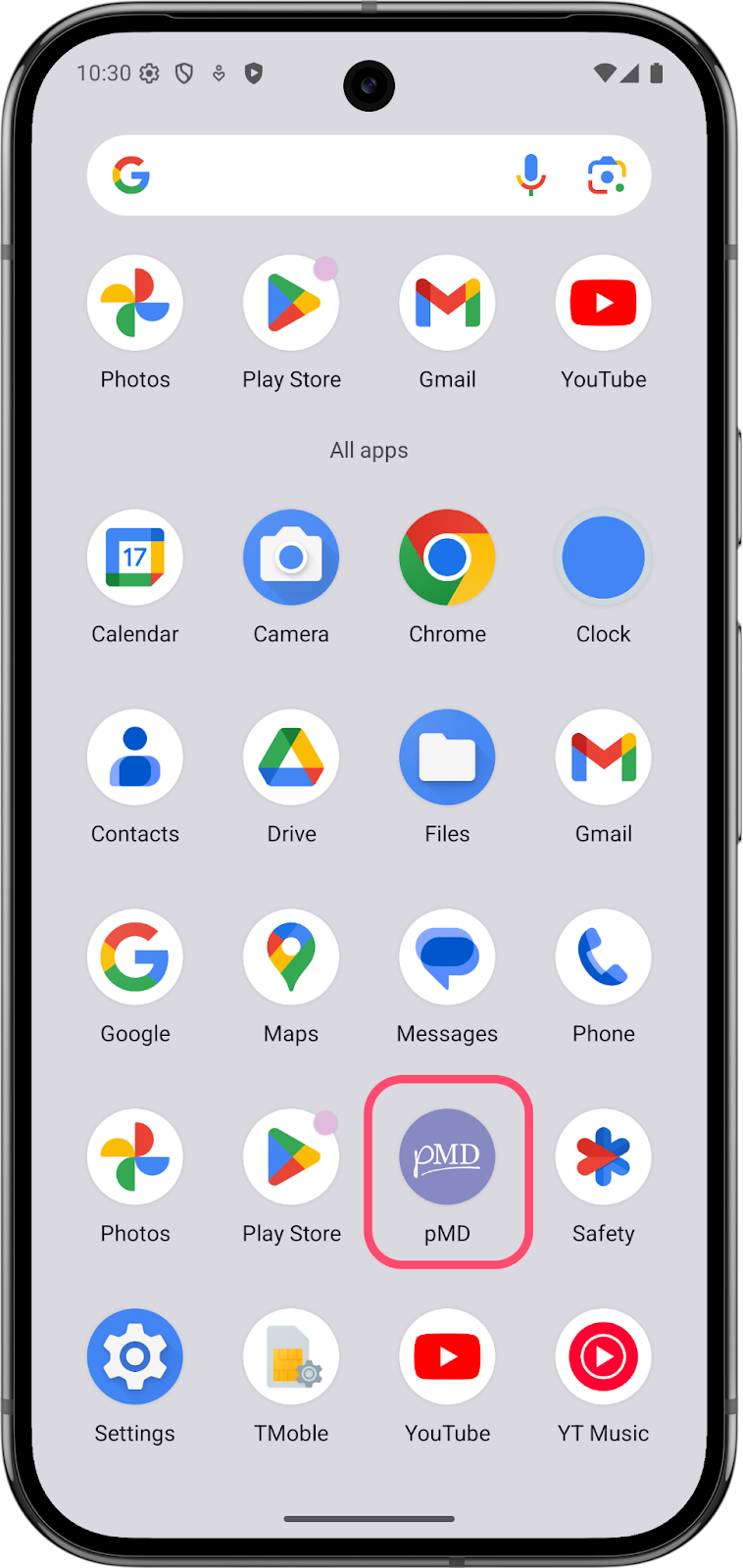
- Locate the pMD app on your device — look for the purple icon with white text
- Tap the icon to open the app
Signing Back In
- If you enabled biometrics (fingerprint or face ID) during initial setup, the app will automatically attempt to sign you in using these features
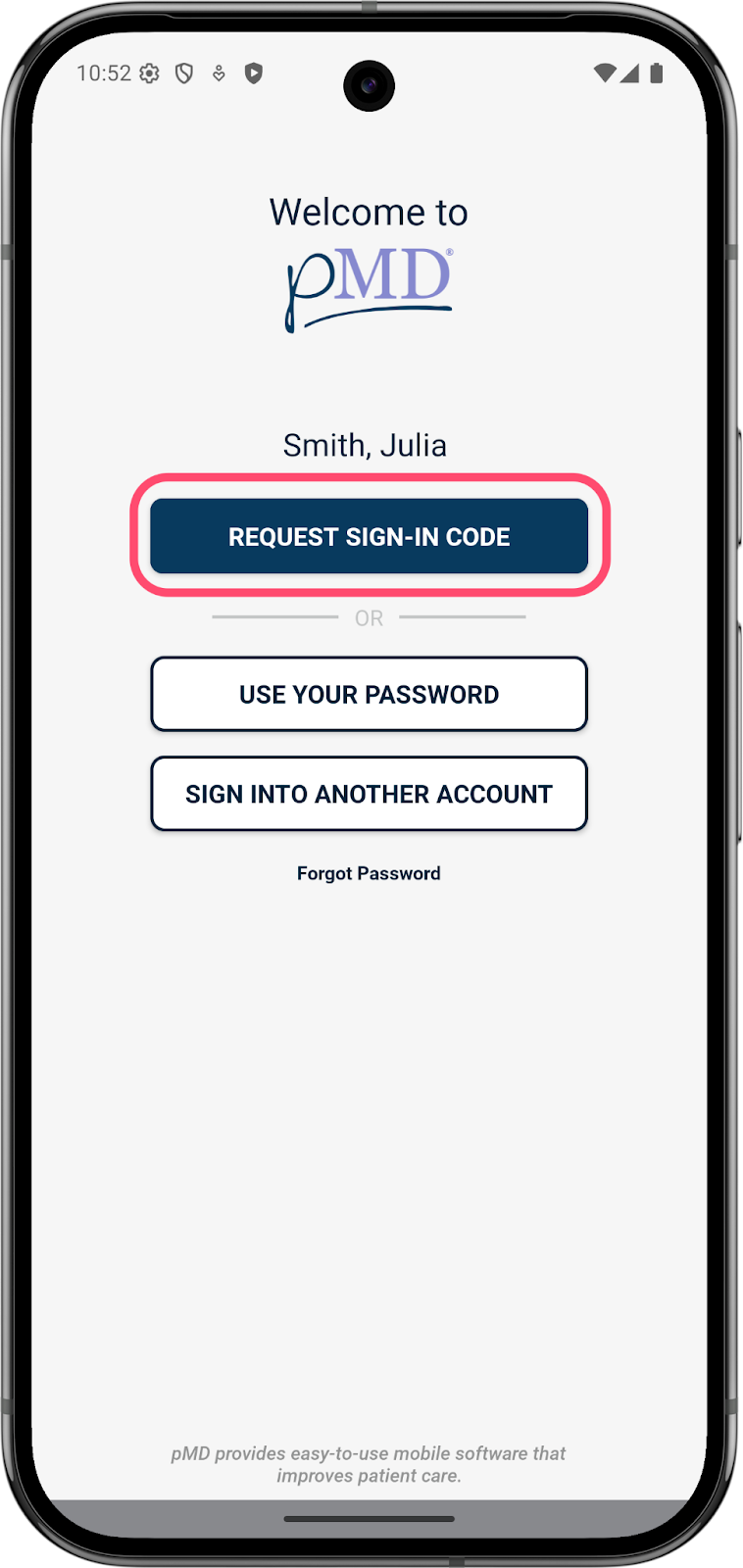
- If you didn't set up biometrics, you'll see a sign-in screen with the following options:
- Request a Sign-In Code (recommended — fastest method)
- Use Your Password